
01
Everything in view.
The device serves as a customer-facing display (CFD), showing purchase details and the order total.
CUSTOMER-FACING DISPLAYEMOBILEPOS ON iOS
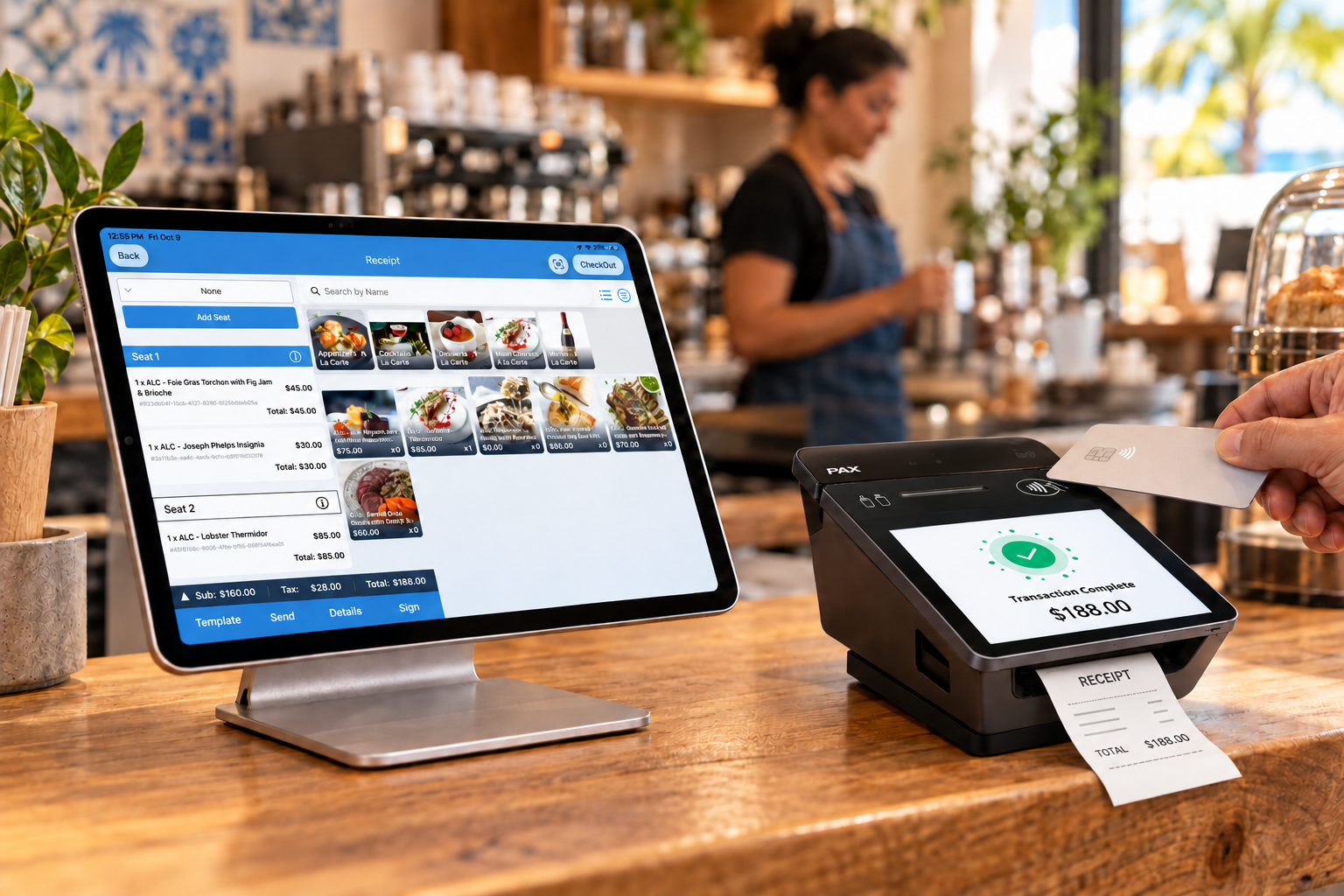
Run your point of sale on iPad. Complete the checkout experience with a 3-in-1 device. A compact setup to serve customers, take payments and print receipts at your counter.
Built for the pace of your restaurant.
Restaurants
Coffee shops
Quick service
Food trucks
THE PERFECT PARTNER FOR YOUR iPAD
Manage the sale in eMobilePOS on your iPad. Let the device complete the customer-facing checkout experience.
The device serves as a customer-facing display (CFD), showing purchase details and the order total.
CUSTOMER-FACING DISPLAYAccept payment on the device as part of your checkout flow, using the payment methods enabled for your business.
PAYMENT TERMINALHand over a receipt from the device’s built-in printer. Three functions in one compact device.
BUILT-IN PRINTER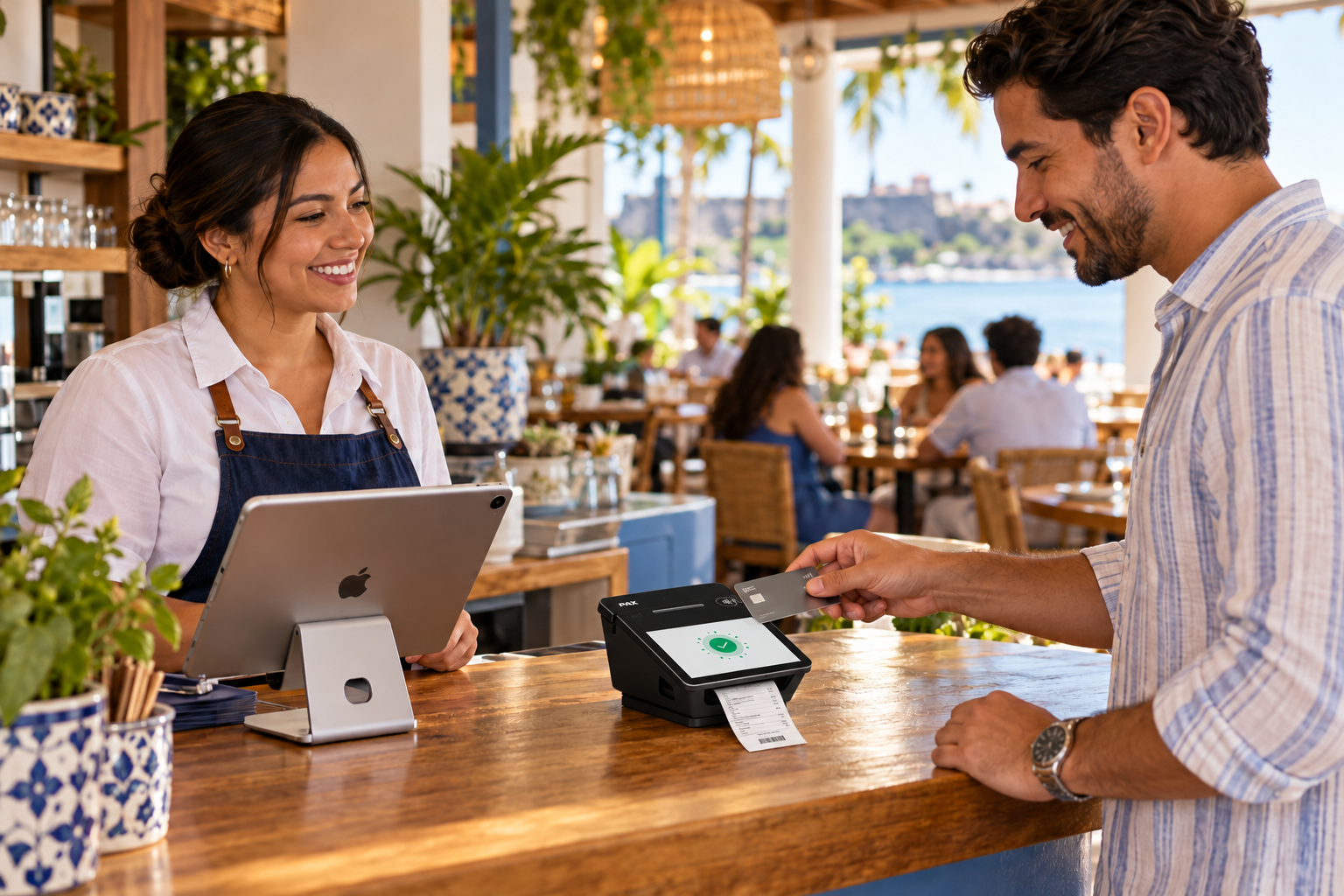
MORE ROOM FOR GREAT SERVICE
From the first coffee to the last order of the day, give your team the tools to keep business moving.
Organize your catalog, categories and modifiers to capture what each customer orders.
Take the order through payment and offer printed or digital receipts, depending on your setup.
View sales reports and review business performance from your BackOffice.
Manage products, pricing and inventory with eMobilePOS tools.
Explore integrations with accounting, ERP and eCommerce systems.
Ask about loyalty, gift cards and multi-location management options.
ALSO ON YOUR iPHONE
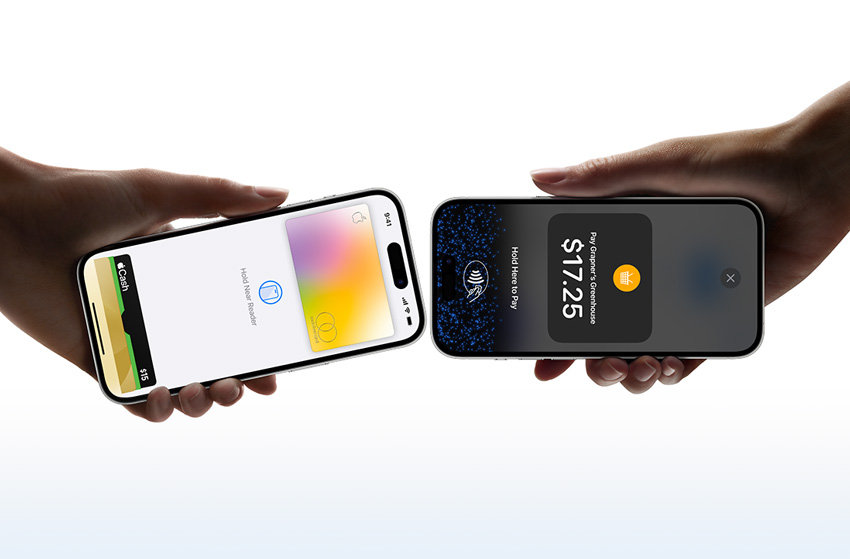
Accept contactless payments with Tap to Pay on iPhone and eMobilePOS. All you need is your compatible iPhone, with no additional reader.
Subject to iPhone compatibility, iOS version and payment processor availability.
BEFORE YOU GET STARTED
The iPad runs eMobilePOS to manage the sale. The device complements the setup as a customer-facing display, payment terminal and receipt printer.
We can evaluate your device. Before activating the service, our team will verify the model, operating system version and setup requirements.
No. Tap to Pay on iPhone lets you accept contactless payments directly on a compatible iPhone. It is a separate option from countertop checkout with iPad and CFD.
We help you explore licensing, hardware, setup and payment processing options for your operation. Request a demonstration to receive a proposal and learn about applicable costs.
YOUR NEXT STEP
Tell us how you operate and discover the right eMobilePOS setup for your business.
sales@emobilepos.com ↗787 763 5959